

ExPlora4D
Open the viewer

3D for the humanities · IIIF-native

Read a 3D model the way you read a source.

ExPlora4D is a web viewer for cultural heritage in 3D. Inspect the surface, annotate what you see, say how certain each part of a reconstruction is, and publish it all as an open IIIF manifest.

  • 25+ 3D formats
  • IIIF Presentation 4
  • EN · PL · DE
  • Web, Drupal, Android, iOS
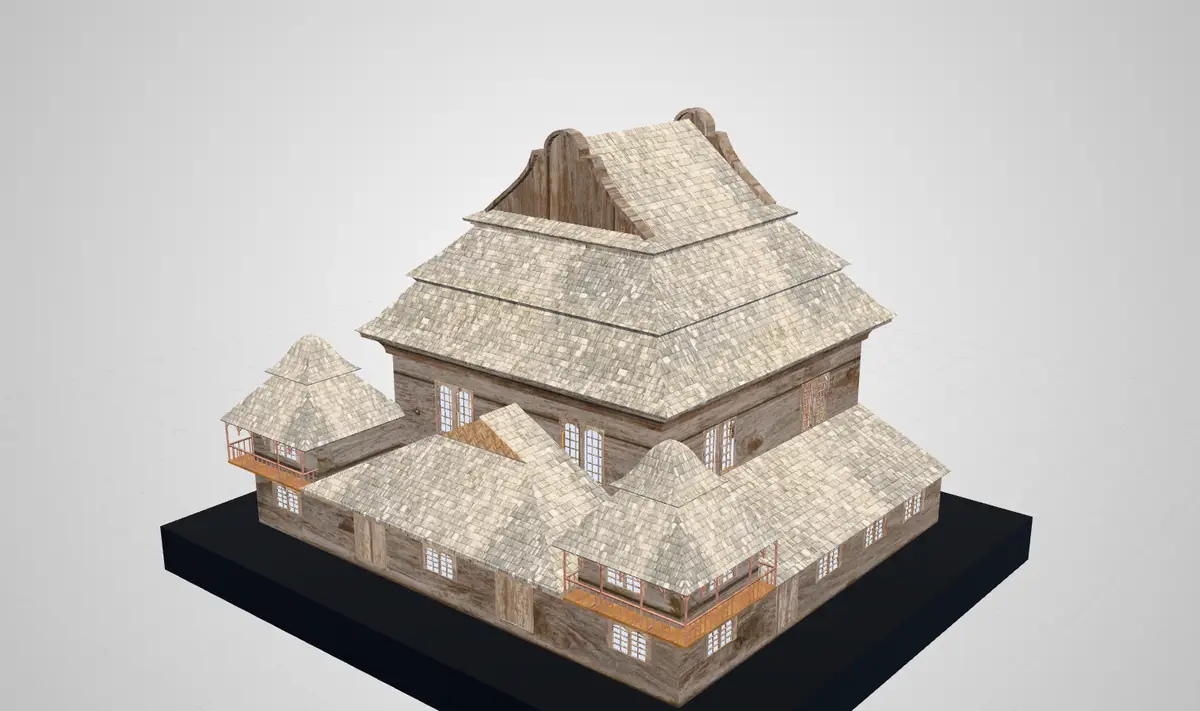
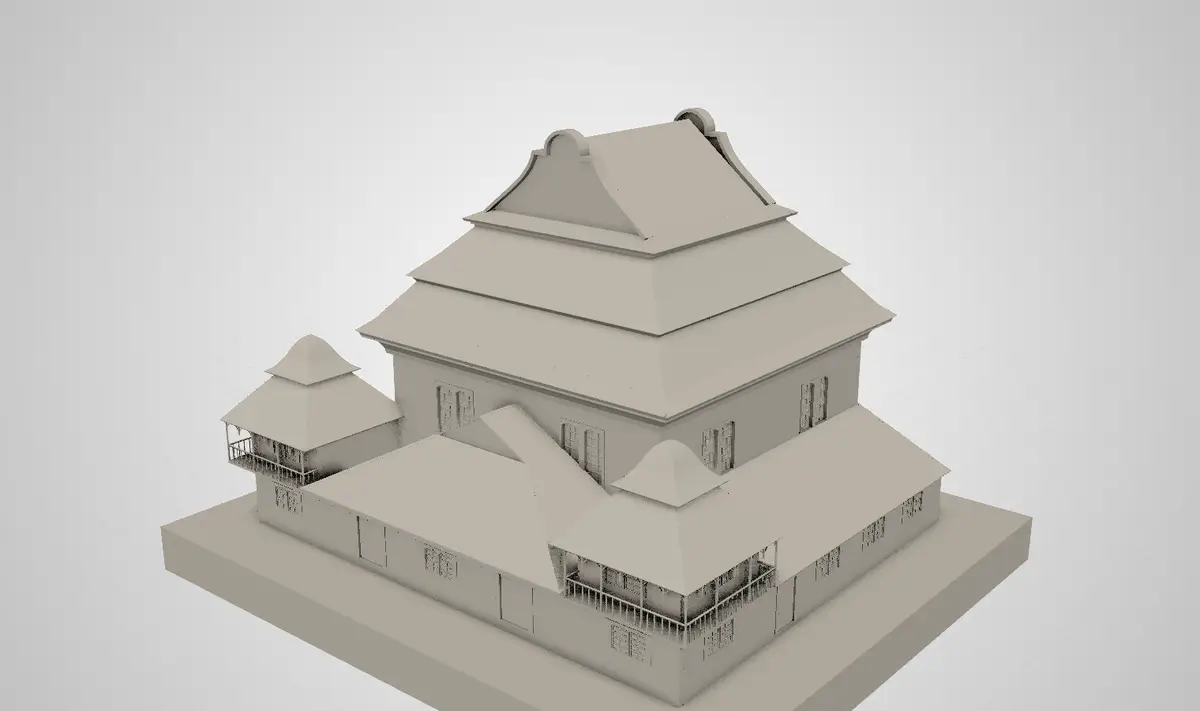
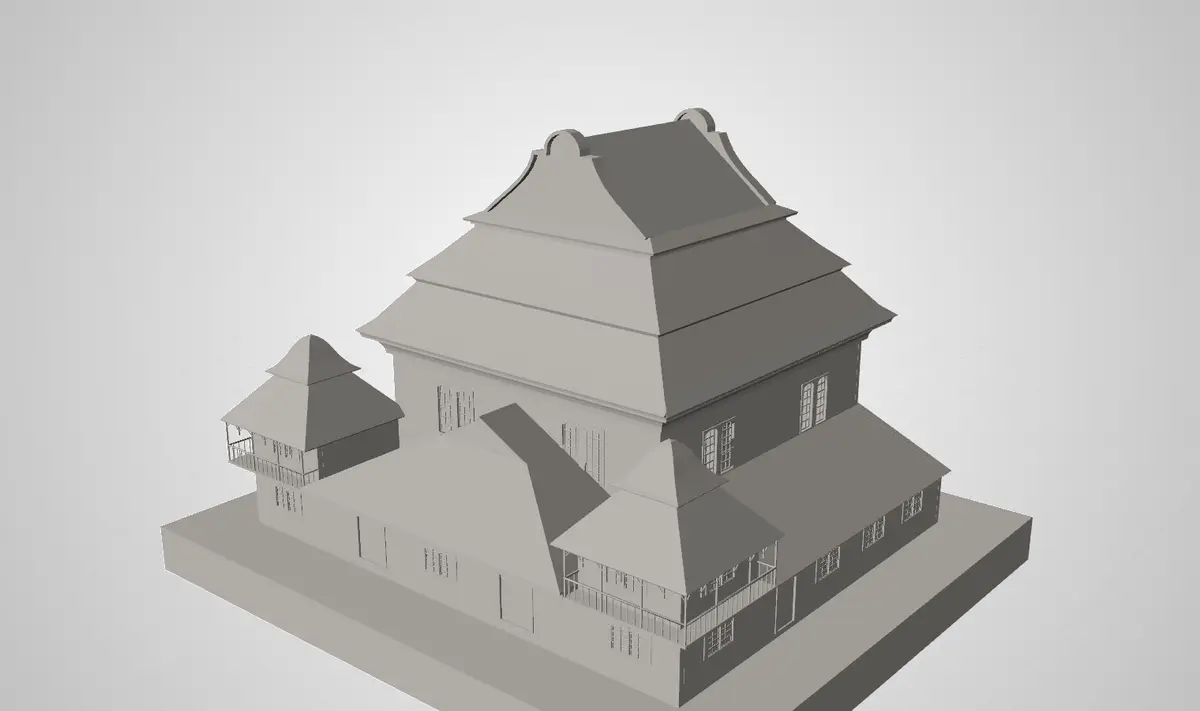
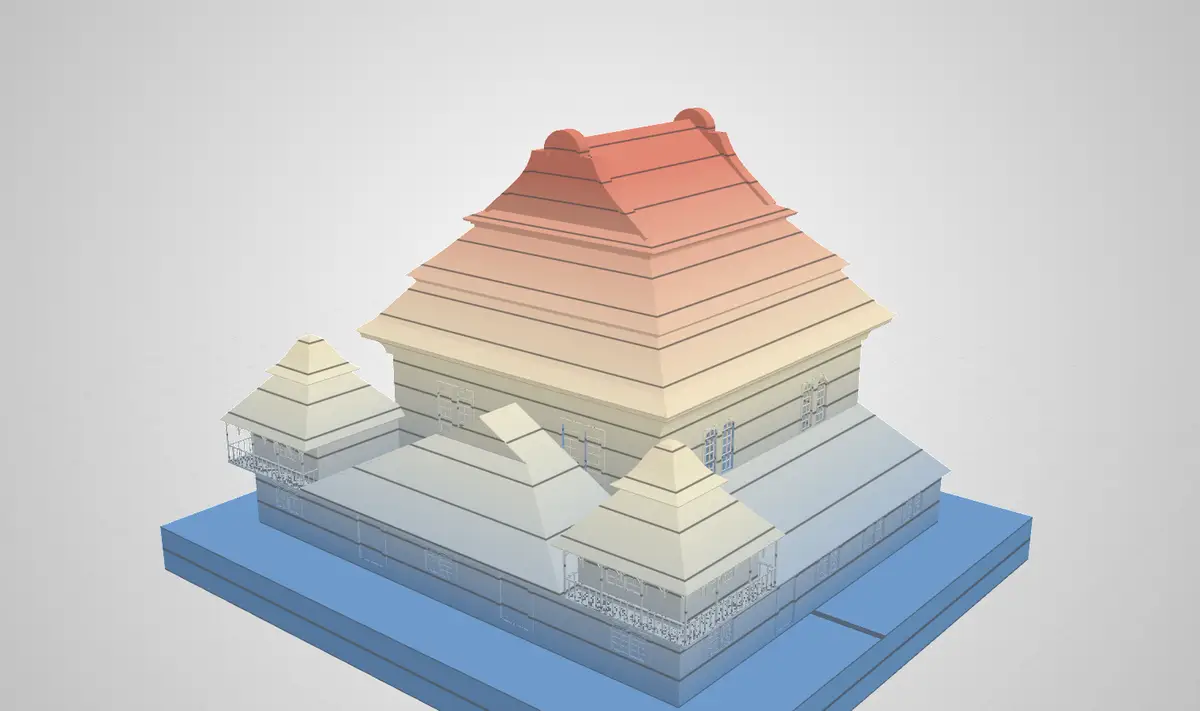
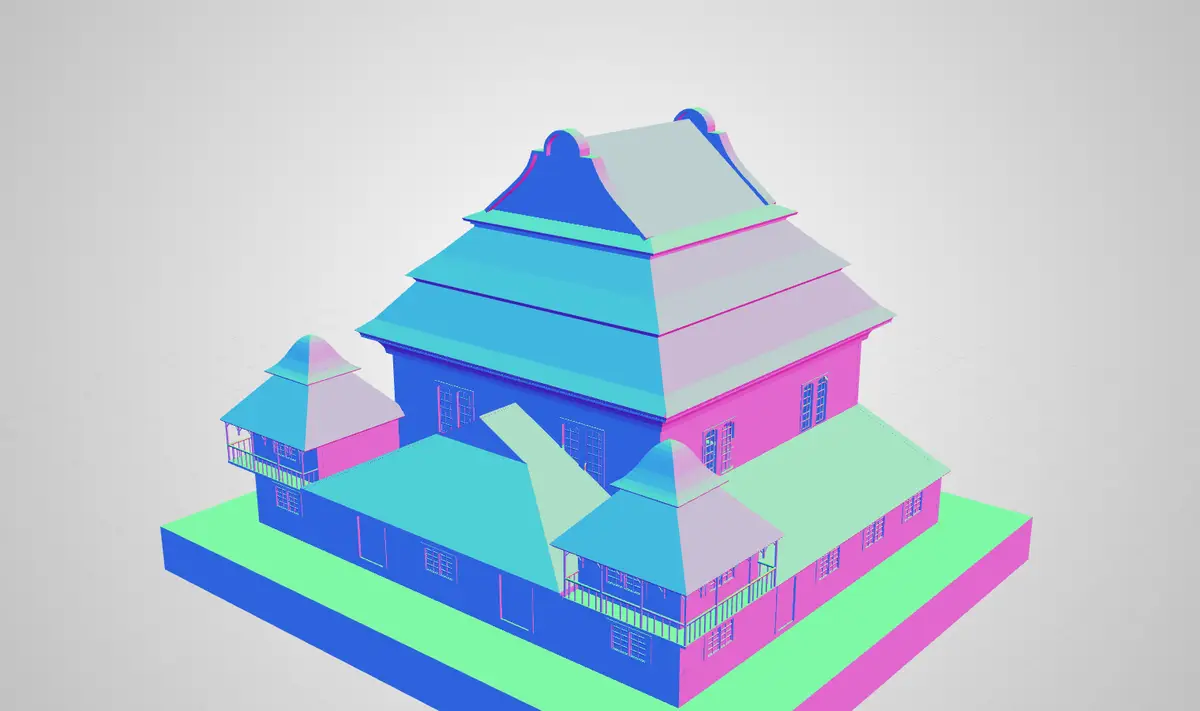
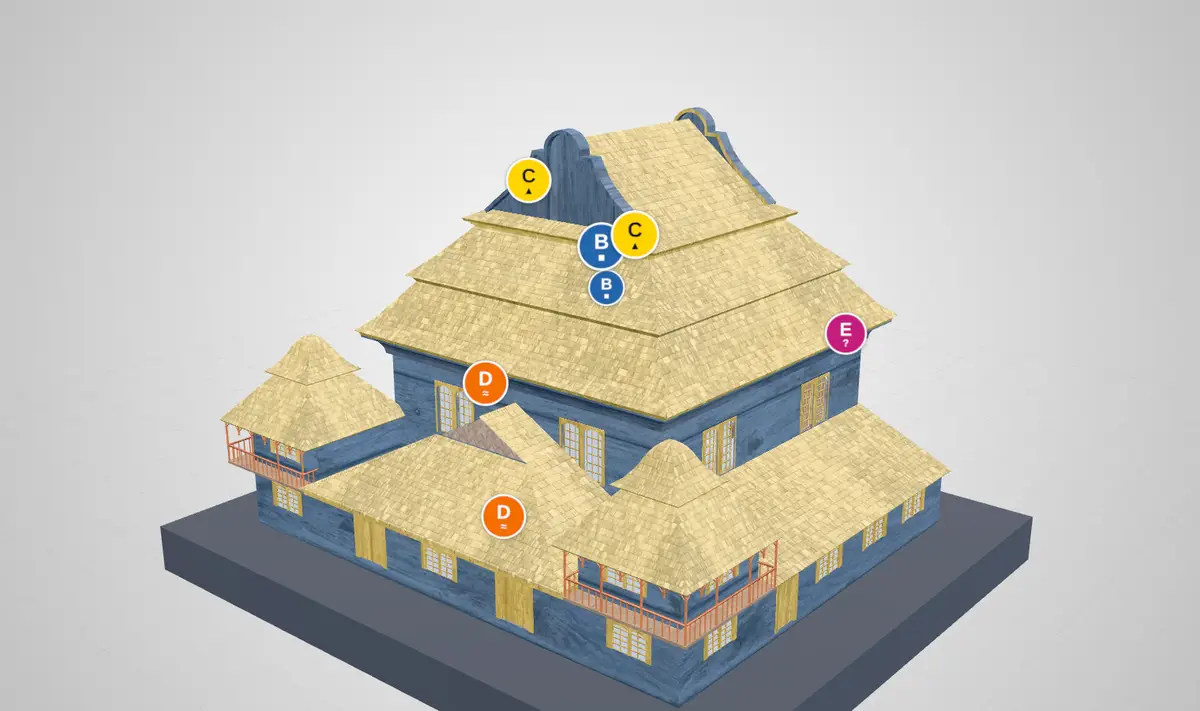
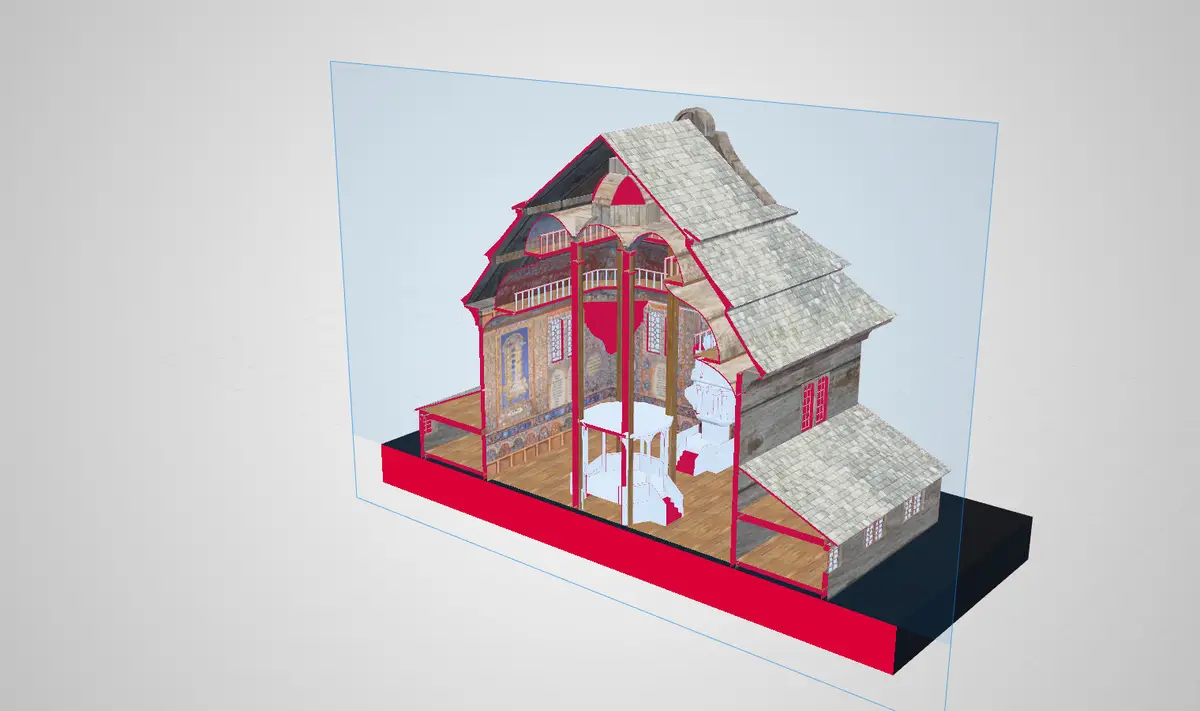
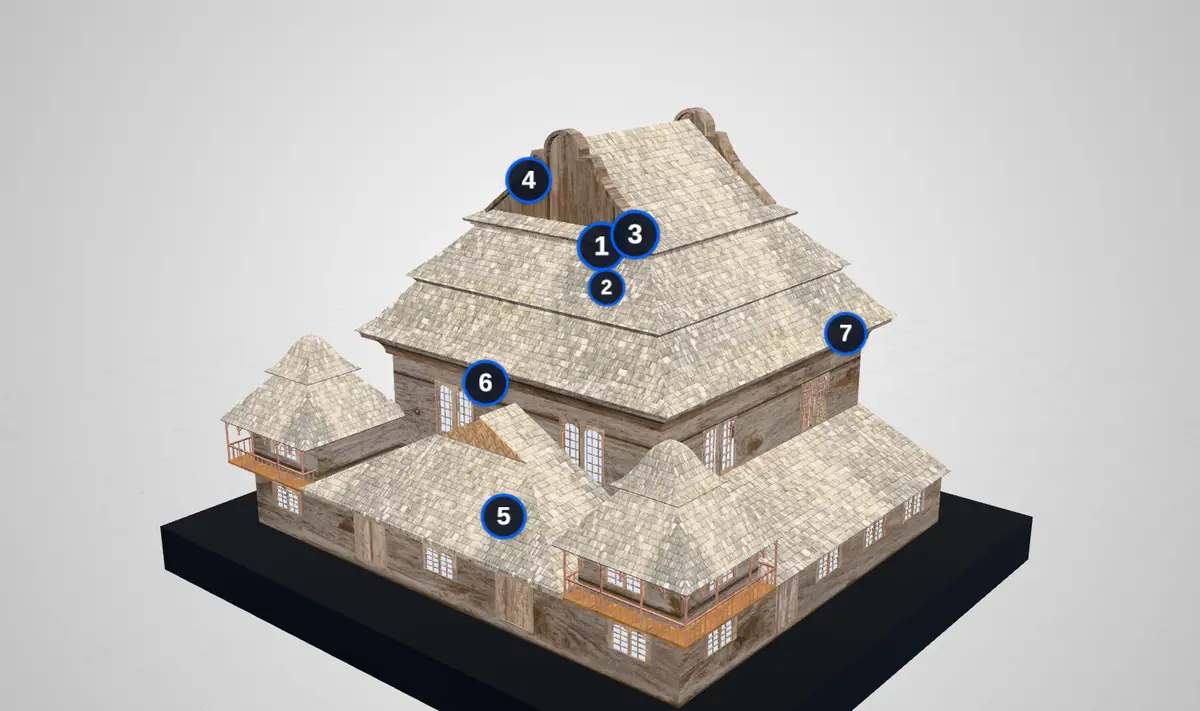
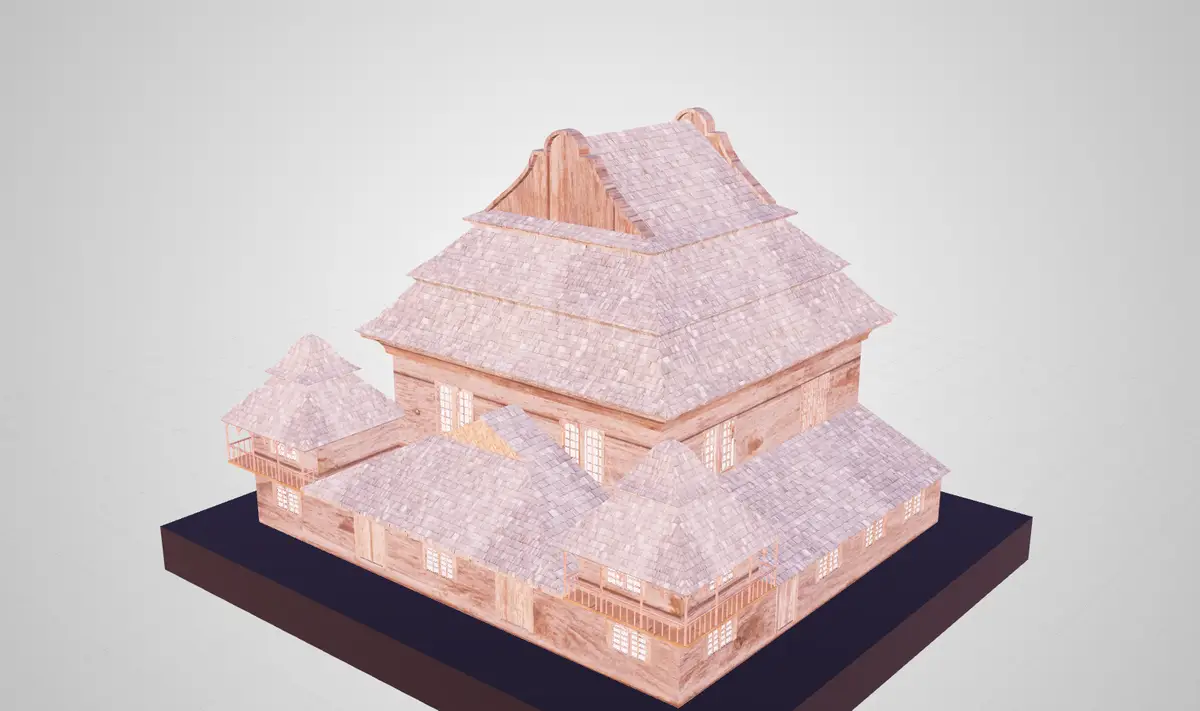
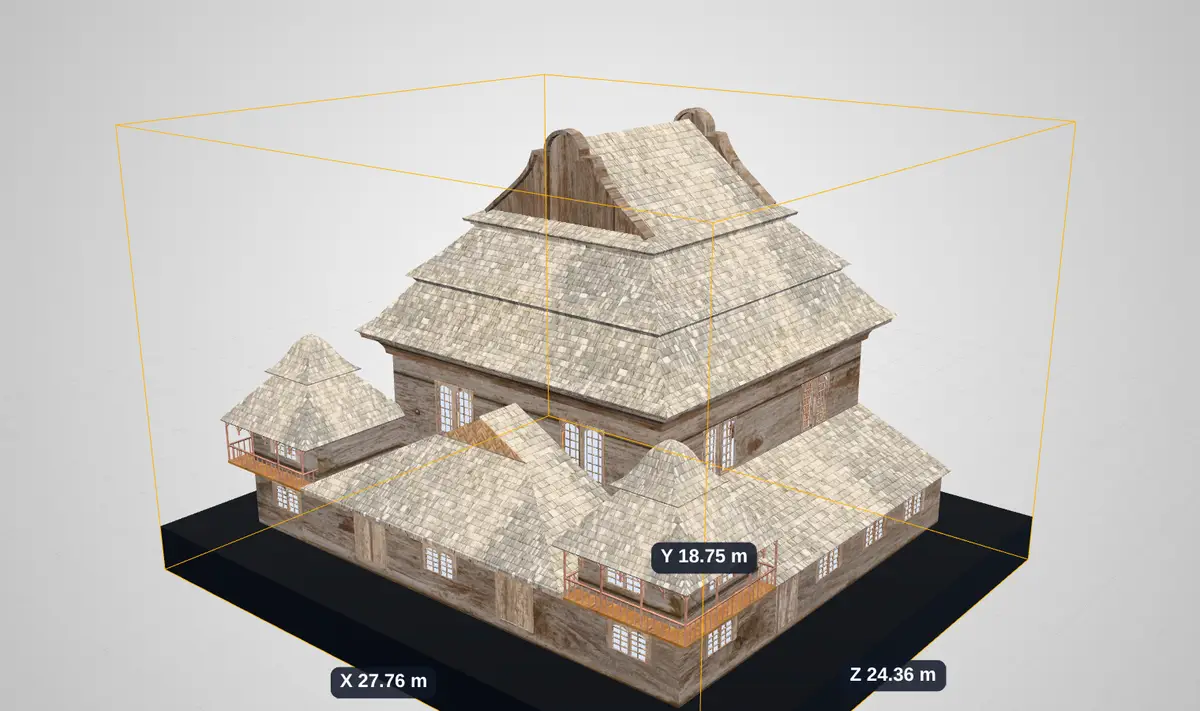
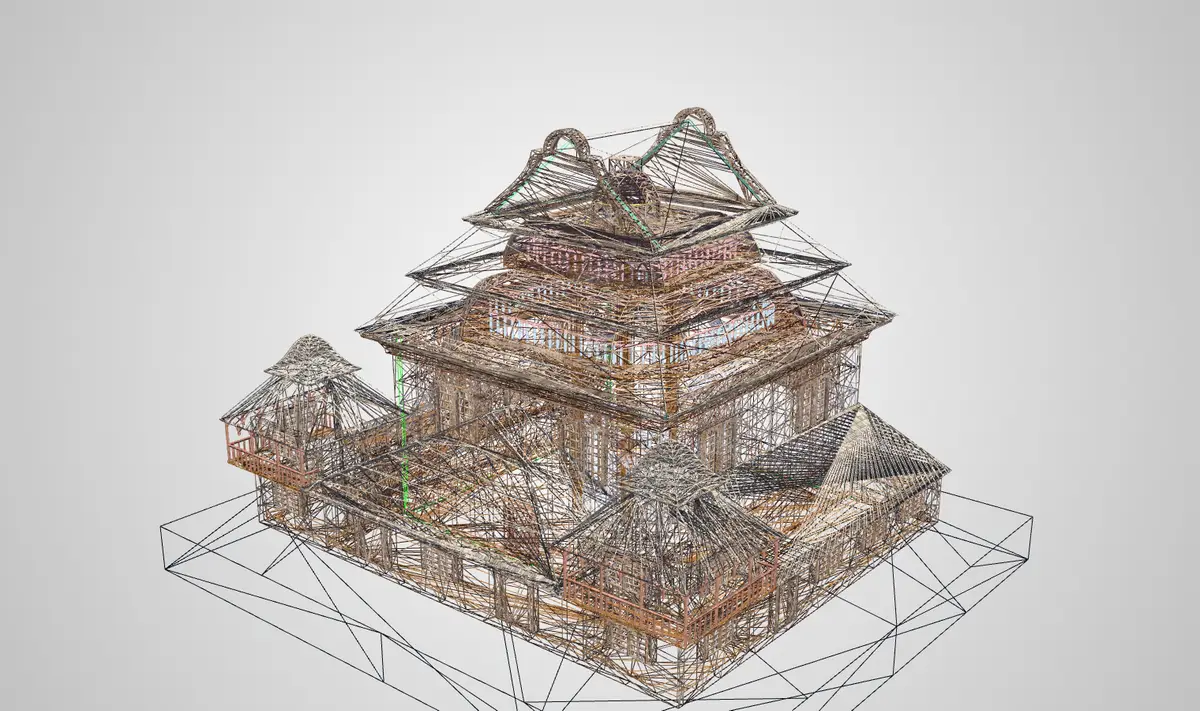
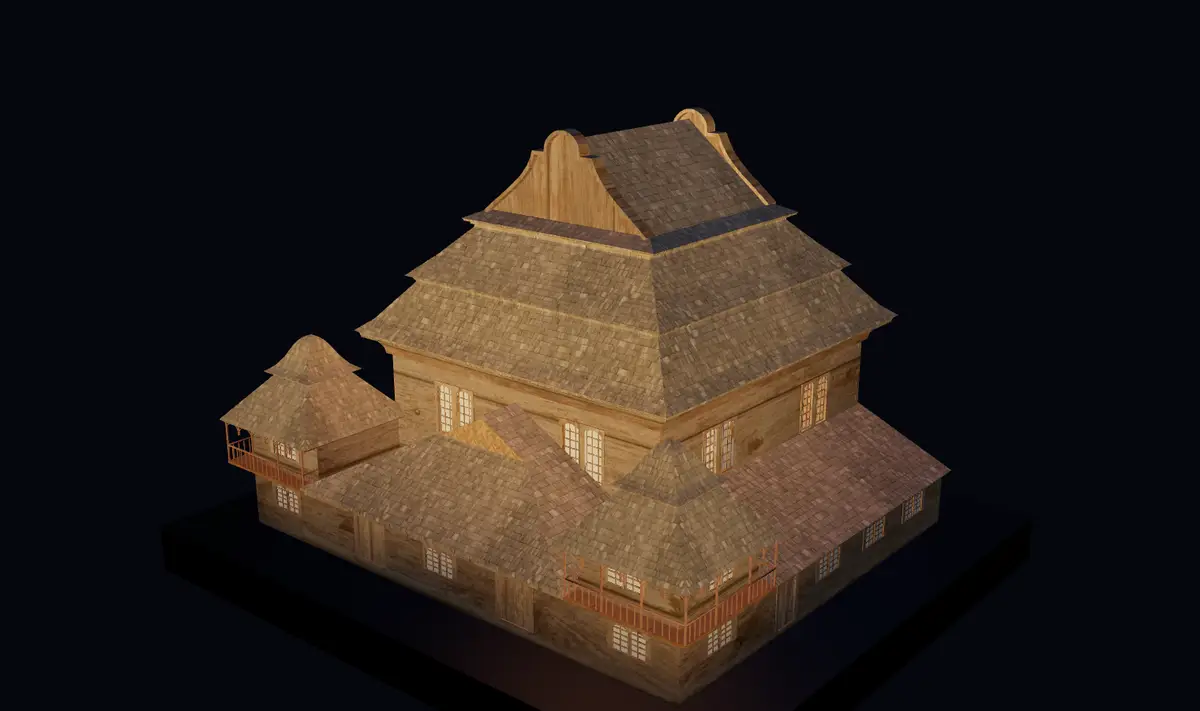
The wooden synagogue of Wołpa as a textured 3D model The same model in untextured clay with ambient occlusion The same model under a low raking light The same model coloured by height with contour lines The same model showing its surface normals as colours The same model coloured by level of certainty, with lettered badges The same model cut lengthwise by a section plane, showing the interior The same model with numbered annotation markers The same model in warm evening light The same model in a bounding box labelled with its size in metres The same model as a wire mesh The same model at night under spotlights Wołpa synagogue · reconstruction

The model as it was published: photographic textures, scene lights and environment.shadingMode: "original"

Where the name comes from

Explore + Experience = ExPlora

The name joins two words that begin the same way. Explore is the researcher's side: searching a model, measuring it, questioning it. Experience is the visitor's side: walking round a building that no longer stands, or seeing an object up close. ExPlora4D is made for both.

Ex
Shared by both words, and drawn as the crossed X in the logo.
Plora
From explore, Latin explorare: to search out, to examine.
4D
The three dimensions of the model, and time, in which heritage changes.

Four things a researcher does with a 3D model

Each tool stores its state in the manifest, under the key shown beneath it. What you set up on screen is what the next reader opens.

Inspect

See the surface, not the texture.

  • Scan viewsOriginal materials, clay, matcap, flat faces, normals, Phong, Lambert, toon, or your own GLSL.modelTransform.shadingMode
  • Raking lightA grazing light that follows the view, for inscriptions and tool marks. Turn it by hand or let it sweep.AIM3DViewer.rakingLight
  • Ambient occlusionCrevices and corners darken so relief reads at a glance.postprocessing.ao
  • Sections and measurementClipping planes on three axes; distance, angle, area, bounding box, surface and volume in real units.AIM3DViewer.clipping


Interpret

Say something about a part of the object.

  • Annotations on facesClick a face, add faces, or drag a rectangle over the visible ones; hidden and cut-away faces are skipped.W3C Web Annotation
  • Level of CertaintyGrade each element of a reconstruction from surveyed fact to hypothesis, and colour the model by it.AIM3DViewer.certainty
  • Guided toursAnnotations become steps with saved camera views, played in order or on their own.viewer.tour
  • HierarchyBrowse the model's parts by name and select whole groups.

Publish

Hand the view on, intact.

  • IIIF manifestsExport and import IIIF Presentation 4 with the AIM3D block: camera, lights, rendering, annotations.IIIF Scene + AIM3DViewer
  • Embed anywhereAn embed configurator writes the snippet; presentation mode hides the editor.viewer.presentationMode
  • Repository integrationA Drupal module for WissKI-based repositories, with metadata shown beside the model.
  • Screenshots and thumbnailsCapture the view, or render gallery thumbnails from nine angles.

Ingest

Bring in what the project already has.

  • Conversion pipelineUploads are unpacked and converted to glTF: Blender for meshes, IfcConvert for BIM, OpenCASCADE for CAD.
  • Compressiongltfpack, Draco, Meshopt and KTX2 textures; a light preview appears first, then the full model.
  • Point cloudsLAS and LAZ load directly; E57 and large scans become streamed 3D Tiles with Eye-Dome Lighting.
  • ArchivesZIP, RAR and tar archives with their textures and material files.

How sure are we about this roof?

A reconstruction mixes what survives with what is inferred. ExPlora4D lets every annotation carry a certainty grade, colours the model by it, and keeps the scale in the manifest so others can read it the same way.

LevelCodeBasisScore
✓APreserved / surveyed10
■BDirect documentation8–9
▲CIndirect sources6–7
≈DAnalogy4–5
?EHypothesis0–3

Each level has a colour, a letter and a symbol, so the scale reads without colour vision and in black-and-white print.

A grade applies to one object or to its whole group. The legend counts assessed objects per level; click a level to show only those parts.

Projects can define their own scale, labels and colours in the manifest; the default above is used otherwise.

The synagogue reconstruction coloured by level of certainty
Badges replace annotation numbers with the level's code and symbol while the certainty view is on.

Built on open standards

Nothing about a model or its interpretation is locked inside the viewer. The data stays in formats other tools already read.

StandardMaintained byUsed for
IIIF Presentation API 4IIIF ConsortiumScenes, models, cameras, lights, transforms and comments; import and export of whole manifests.
Web AnnotationW3CComments and assessments on faces and regions, with commenting and assessing motivations, point and WKT selectors.
glTF 2.0Khronos GroupThe delivery format, with Draco and Meshopt geometry compression, KTX2/Basis textures and unlit materials.
3D TilesOGCStreaming large meshes and point clouds at the level of detail the view needs.
IFCbuildingSMARTBuilding models, read in the browser or converted with their property sets kept as metadata.
LAS / LAZ, E57ASPRS · ASTMLaser-scan point clouds, loaded directly or converted to 3D Tiles.
JSON Schema 2020-12JSON SchemaThe AIM3D manifest block, published and validated on import.
WissKIWissKI communityDrupal-based, CIDOC CRM–aware repositories that host the models and their metadata.

The manifest is the view

A IIIF manifest with the viewer's state on board

Standard IIIF carries the scene. The AIM3DViewer block carries what a researcher set up on top of it. Viewers that don't know the block still show the model; ExPlora4D restores the whole reading.

  1. Export from the toolbar after setting up the view.
  2. Validate against the published schema; the viewer checks it on import too.
  3. Share the file or its URL. Opening it restores camera, lights, shading and annotations.
// wolpa-synagogue-aim3d-local-raking-light.json (excerpt)
{
  "type": "Manifest",
  "items": [ { "type": "Scene", … } ],
  "AIM3DViewer": {
    "viewer": {
      "rendering": {
        "toneMapping": "agx",
        "postprocessing": { "enabled": true, "ao": false }
      }
    },
    "rakingLight": {
      "enabled": true,
      "direction": 150,
      "height": 10,
      "sweep": true
    },
    "certainty": { "levels": [ … ] },
    "modelTransform": { "shadingMode": "clay" }
  }
}

Technology

A WebGL viewer in the browser, a conversion worker on the server, and the same code packaged for repositories and phones.

In the browser

  • three.js r186
  • WebGL 2
  • GTAO
  • 3d-tiles-renderer
  • loaders.gl
  • laz-perf
  • web-ifc
  • Draco
  • Meshopt
  • KTX2 / Basis

Logarithmic depth for city-scale and coin-scale models alike; a post-processing chain with SMAA, FXAA and seven tone mappings.

On the server

  • Python worker
  • Blender + Cycles
  • IfcOpenShell
  • OpenCASCADE
  • trimesh
  • py3dtiles
  • gltfpack
  • PHP
  • Docker

One docker compose up runs the viewer and the full conversion pipeline, with accounts and upload limits.

Delivery and quality

  • Rollup
  • Drupal module
  • Capacitor
  • Android
  • iOS
  • Playwright
  • GlitchTip
  • i18n EN · PL · DE

End-to-end tests in a real WebGL browser cover loading, editing, export and the manifest schema.

Opened directly

  • glTF / GLB
  • OBJ
  • FBX
  • DAE
  • PLY
  • STL
  • IFC
  • USD / USDZ
  • 3MF
  • 3DS
  • AMF
  • WRL
  • KMZ
  • VOX
  • XYZ
  • PCD
  • LAS / LAZ
  • 3D Tiles
  • Potree 2

Converted on upload

  • BLEND
  • ABC
  • X3D
  • GML
  • STEP / STP
  • IGES / IGS
  • E57

The directly opened formats are optimised the same way: compressed GLB, with thumbnails rendered from nine angles.

Where it runs

The same viewer, configured by one settings file or by the manifest itself.

In a repository

A Drupal module for WissKI: models on entity pages, conversion on upload, annotations saved back.

On your server

Docker images for the viewer and worker, with profiles for test, development and drag-and-drop sandbox.

In any page

An embed snippet with presentation mode, autorotation and a chosen camera. Settings follow the manifest.

On a phone

Android and iOS builds of the same viewer, for fieldwork and teaching.

Mobile

The same viewer in your pocket

The Android and iOS app is built from the same code as the web viewer, so it has the same tools: scan views, raking light, sections, measurement, annotations, the certainty view and IIIF manifests. Models and point clouds come from ExHUB, the shared repository, or from the device itself.

ExHUB
The shared repository of the project's models and point clouds, converted on upload: meshes as compressed glTF, large scans as streamed 3D Tiles.
On the device
Models picked from the phone, and models saved from ExHUB, stay on the device and open without a network.
Examples
The example manifests, from scan views to the certainty view, to try every tool.
QR code for the app on Google Play
Get it on Google Play Android
QR code for the app on the App Store
Download on the App Store iPhone and iPad

Scan a code with your phone's camera, or tap a badge. Store links and codes are examples until the app is published.

One Models button switches between the three. The app reaches ExHUB at an address you can change, so a project can point it at its own repository.

Author

Daniel Dworak

3D web developer · DevOps Team Lead · 16+ years

  • 3D visualization
  • Clean architecture
  • CI/CD
  • Containers
  • Observability
  • Security

Hi, I'm Daniel. I build high-performance web applications with a focus on 3D visualization, interaction and clean architecture, and I'm a DevOps Team Lead with 16+ years of experience designing, automating and operating scalable infrastructure.

My background spans CI/CD, containerized platforms, observability and security. I lead teams, mentor developers and work across multinational, cross-functional groups, representing technical teams, facilitating decisions and aligning engineering work with business goals.

I care about reliable, secure, automated platforms and a culture of ownership, knowledge sharing and continuous improvement.

See my portfolio portfolio.thedworak.com

Open the Wołpa synagogue and try every reading

The example collection includes the scan views, raking light, contour lines and the certainty view, each as a manifest you can download and change.